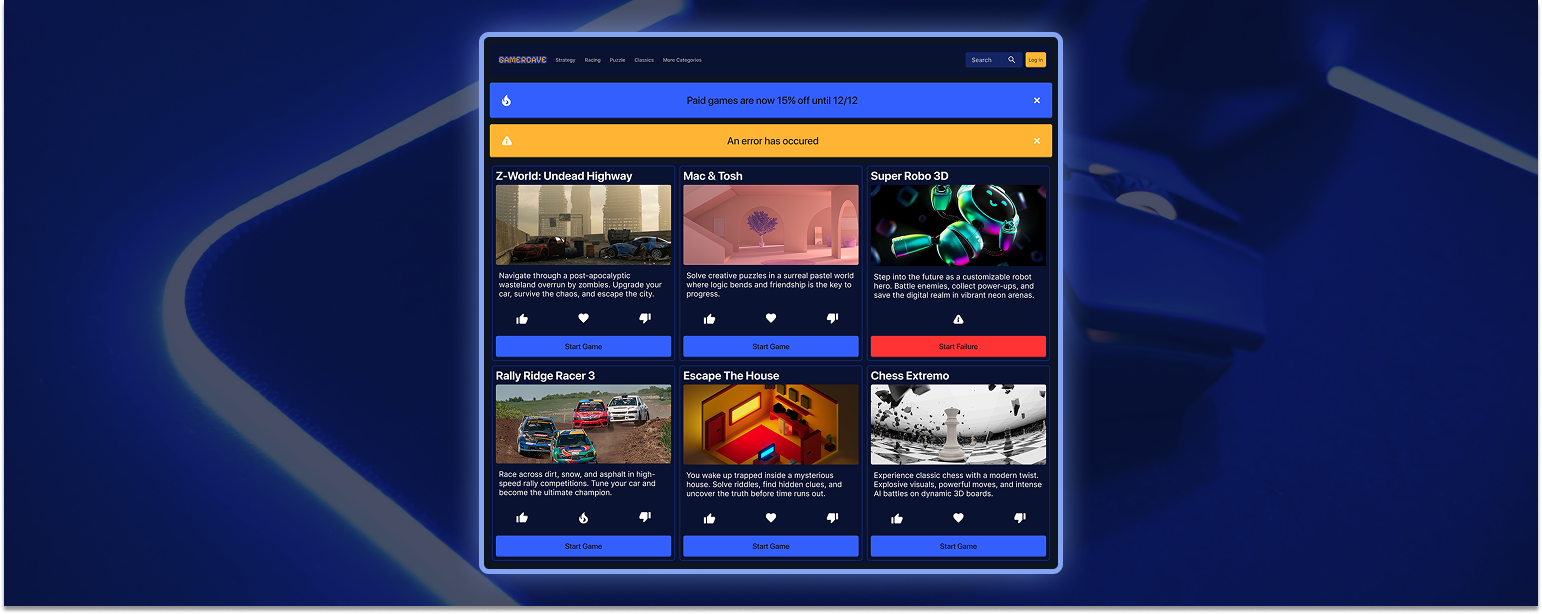
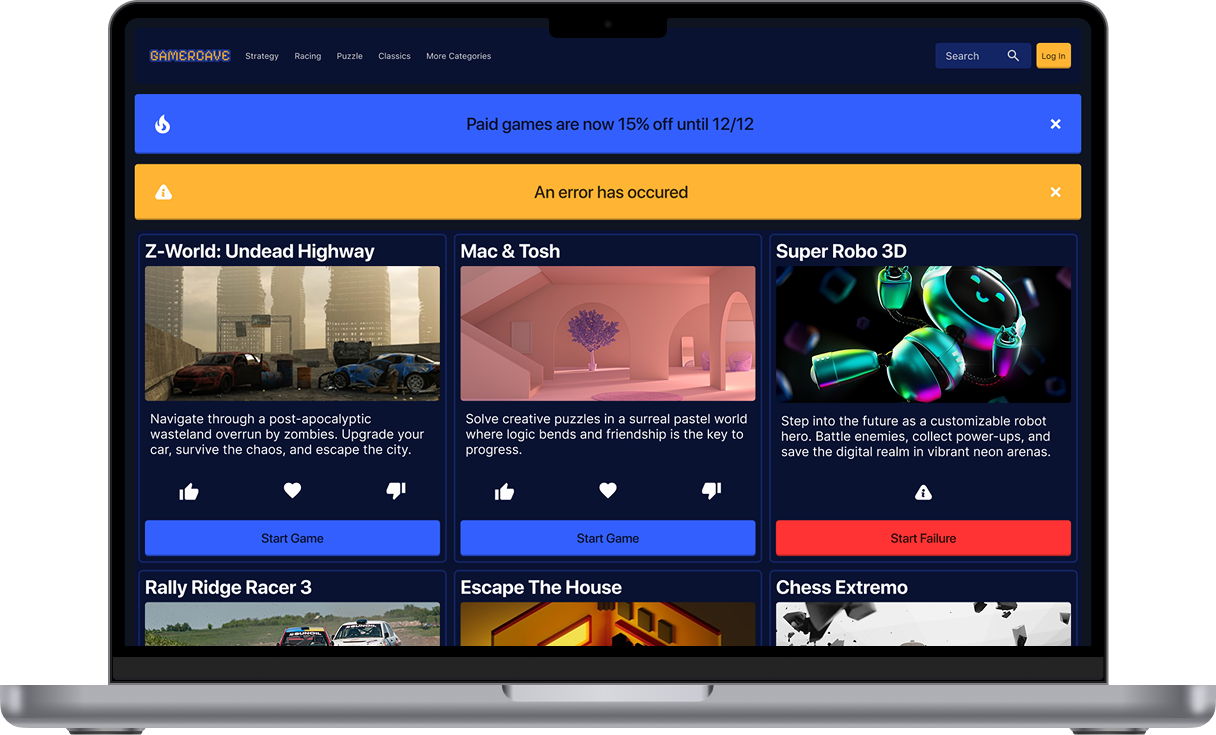
I was tasked with creating an interactive interface to demonstrate my skills using component properties and variables in Figma. For this project, I designed an interactive web portal focused on online video games. The project highlights a page where I apply overrides through component properties, showing how design elements can adapt and change dynamically.
The goal of this project is to create an interactive web interface that demonstrates how component properties and variables can be used in Figma. I aim to design a dynamic page for an online video game portal that allows elements to be easily customized and updated through overrides, showcasing both functionality and design flexibility.
This is my final prototype, an interactive demo that demonstrates my ability to use variables and component properties effectively. It showcases how design elements can be customized and adapted within a functional interface.
View Final PrototypeI incorporated component properties with many elements in my design. For instance, my game card uses text properties for the game titles and description. It also features instance swap properties for my 3 Icons. In addition, I used Boolean properties for my info banner to hide the left icon. This concept is important because improves efficiency for larger projects. Instead of having to click on every single instance to edit it, now you can just click the card and change everything from the properties menu. As a future designer, I will continue to use component properties to improve my workflow for my future projects.